

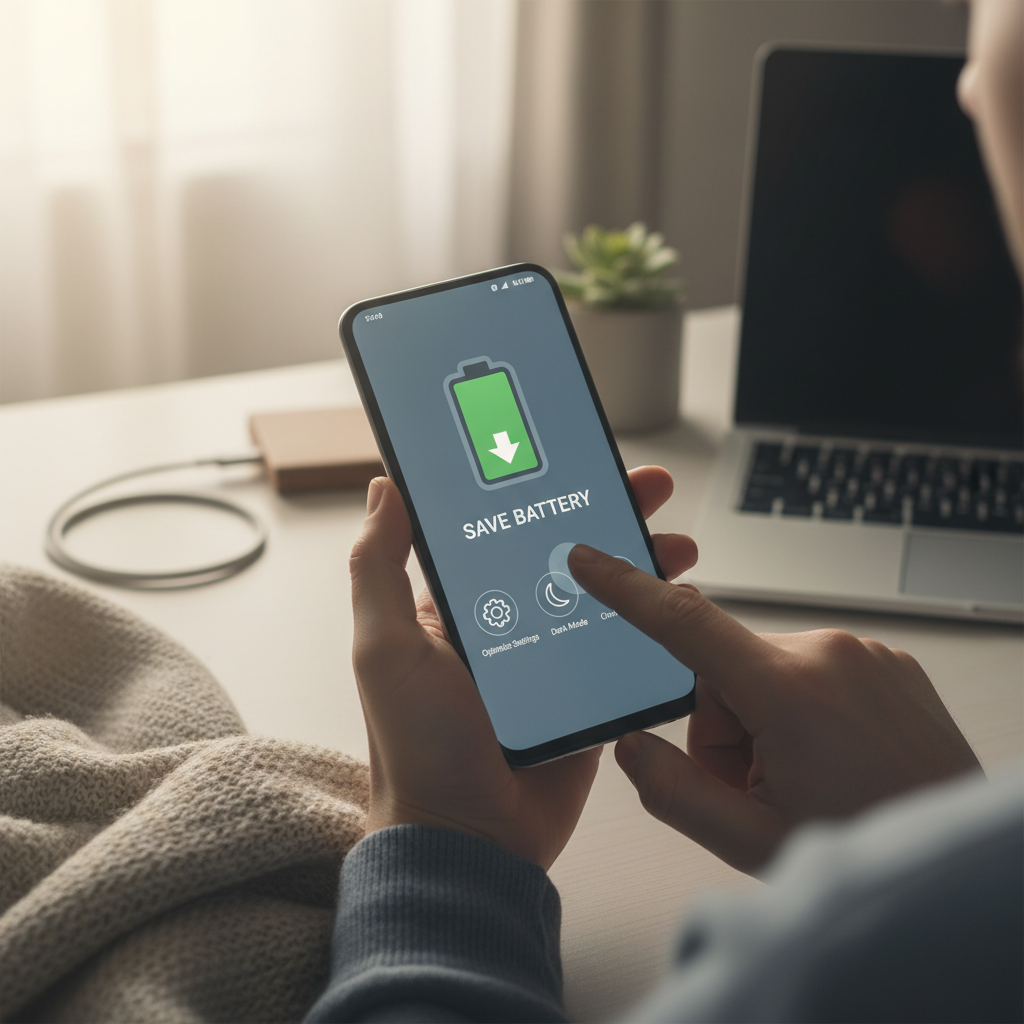
Introduction: The Quest for Extended Battery Life
In today’s mobile world, a long-lasting battery is crucial. Running out of juice can be frustrating, leaving you disconnected and unproductive. This guide provides a comprehensive approach to maximizing your Android phone’s battery life, ensuring you stay powered throughout the day and beyond.
Understanding Battery Drain: Identifying the Culprits
Before implementing solutions, it’s essential to understand what consumes your battery. Several factors contribute to rapid battery drain. These include a bright screen, demanding apps, constant background activity, and poor network connectivity. Identifying these culprits is the first step toward effective battery management.
Screen Brightness: A Major Battery Hog
The display is often the most significant battery drainer. High screen brightness consumes substantial power. Consider reducing your screen brightness to a comfortable level. Utilizing auto-brightness, which adjusts the brightness based on ambient light, can also be highly effective.
App Usage and Background Activity
Certain apps are notorious for draining battery, even when not actively in use. Social media apps, games, and apps with location services often consume significant power in the background. Regularly review your app usage in the battery settings to identify and address these power-hungry applications.
Optimizing App Settings: Restricting Background Activity
Many apps continue running in the background, consuming battery. To mitigate this, restrict background activity for non-essential apps. In your phone’s settings, you’ll find options to limit background data usage and prevent apps from running constantly in the background.
Location Services: Balancing Accuracy and Battery
Location services are convenient, but they can drain your battery. Consider adjusting your location settings. Choose ‘device only’ for greater privacy and battery savings when precise location isn’t necessary. Disable location services entirely for apps that don’t require them.
Network Connectivity: Wi-Fi vs. Mobile Data
Network connectivity significantly impacts battery life. When possible, connect to Wi-Fi. Wi-Fi generally consumes less power than mobile data. When Wi-Fi isn’t available, monitor your signal strength. Weak signals force your phone to work harder, draining the battery faster.
Disable Unused Features: Bluetooth, NFC, and More
Bluetooth, NFC, and other features consume power even when inactive. Disable these features when not in use. This simple step can contribute significantly to extending your battery life. Regularly review your phone’s settings to ensure unnecessary features are turned off.
Power Saving Modes: Your Battery’s Best Friend
Android phones offer power-saving modes that automatically optimize settings to conserve battery. These modes often reduce performance, limit background activity, and dim the screen. Enable power-saving mode when your battery is low to extend usage.
Manage Notifications: Reducing Unnecessary Wake-Ups
Notifications can wake up your phone’s screen and consume battery. Review your notification settings and disable notifications for apps that aren’t essential. This prevents unnecessary screen activations and helps conserve power.
Update Your Software: Benefits of the Latest Version
Regularly update your Android operating system and apps. Software updates often include battery optimization improvements. Keeping your software current ensures you benefit from the latest efficiency enhancements and bug fixes.
Monitor Battery Usage: Identifying Problem Areas
Android provides tools to monitor battery usage. Access the battery settings to see which apps and features are consuming the most power. This information allows you to identify problem areas and take targeted action to reduce battery drain.
Avoid Extreme Temperatures: Protect Your Battery
Extreme temperatures can negatively impact battery life. Avoid leaving your phone in direct sunlight or freezing conditions. High and low temperatures can degrade the battery and reduce its capacity over time.
Consider a Battery Case or Portable Charger
For users who need extended battery life, consider using a battery case or carrying a portable charger. These accessories provide an external power source, allowing you to recharge your phone on the go and extend your usage time significantly.
Conclusion: Mastering Battery Conservation for Android
By implementing these strategies, you can significantly extend your Android phone’s battery life. Regularly review your settings, monitor battery usage, and adopt good habits to ensure you stay connected and productive throughout the day. Consistent effort in these areas will yield significant improvements in your phone’s battery performance.