

The landscape of Android customization has undergone a radical transformation over the last decade, shifting from simple aesthetic modifications to the comprehensive porting of entire operating systems onto aging hardware. While manufacturers have significantly improved their official software support windows, legacy flagship owners often find themselves at a crossroads when official updates cease. For owners of the Samsung Galaxy S20 and Note 20 series, the journey does not end with the official manufacturer’s roadmap. The developer community has stepped in to bridge the gap, most recently with the release of ExtremeROM Nexus, a custom firmware that brings the cutting-edge features of One UI 8 and Android 16 to devices that were otherwise destined for the technological archives.
In a market saturated with various custom software offerings, such as the highly regarded Nerf, Mint, and UN1CA ROMs, ExtremeROM Nexus has carved out a distinct niche for itself. It is not merely a port of Samsung’s latest software; it is a meticulously refined ecosystem designed to marry the sophisticated aesthetics of One UI with the minimalist, high-performance philosophy of the historic Google Nexus line. The primary appeal of this ROM lies in its dual-nature approach: it provides the latest software features expected in a modern mobile environment while simultaneously stripping away the "bloatware" that has historically plagued Samsung’s stock firmware. By removing unnecessary system applications and optimizing background processes, ExtremeROM Nexus offers a snappy, responsive user experience that often surpasses the performance of the original factory software.
The move to Android 16 represents a significant milestone for the Galaxy S20 and Note 20 lineups. These devices, powered by the Exynos 990 chipset, were originally released during a period of transition for Samsung. While they possessed formidable hardware at launch, the demands of modern software can often tax older silicon. ExtremeROM Nexus addresses this by implementing deep system-level optimizations that allow Android 16’s resource-intensive features—such as advanced AI processing and enhanced privacy controls—to run smoothly on the aging Exynos architecture. This release specifically targets the international Exynos variants, which have traditionally been more accessible to the bootloader-unlocking community compared to their Snapdragon counterparts.

The list of supported devices for this ambitious project is comprehensive, covering the core of Samsung’s 2020 flagship catalog. For the Galaxy S20 family, the ROM is compatible with the standard S20 and S20+ (codenamed x1s), encompassing models SM-G980F and SM-G981B. The larger, more powerful Galaxy S20 Ultra (codenamed y2s) is also supported via models SM-G985F and SM-G986B. Furthermore, the specialized S20+ and S20 Ultra variants, categorized under the z3s codename (specifically model SM-G988B), are included in the support list. Productivity enthusiasts have not been forgotten, as the Galaxy Note 20 (c1s) and the Note 20 Ultra (c2s) are fully compatible. It is worth noting that while the Galaxy S20 FE (r8s) is listed, its support remains in an experimental or "unstable" phase, requiring users of that specific model to exercise additional caution during the installation process.
Before embarking on the technical journey of flashing a custom ROM, users must acknowledge the inherent risks involved in such a procedure. Modifying system partitions and bypassing factory security protocols can lead to data loss or, in extreme cases, the rendering of the device inoperable. It is an industry standard to advise a complete backup of all personal data—including photos, messages, and application data—before proceeding. The community-driven nature of these projects means that there is no official warranty or corporate support; the responsibility for the device’s integrity rests solely with the user.

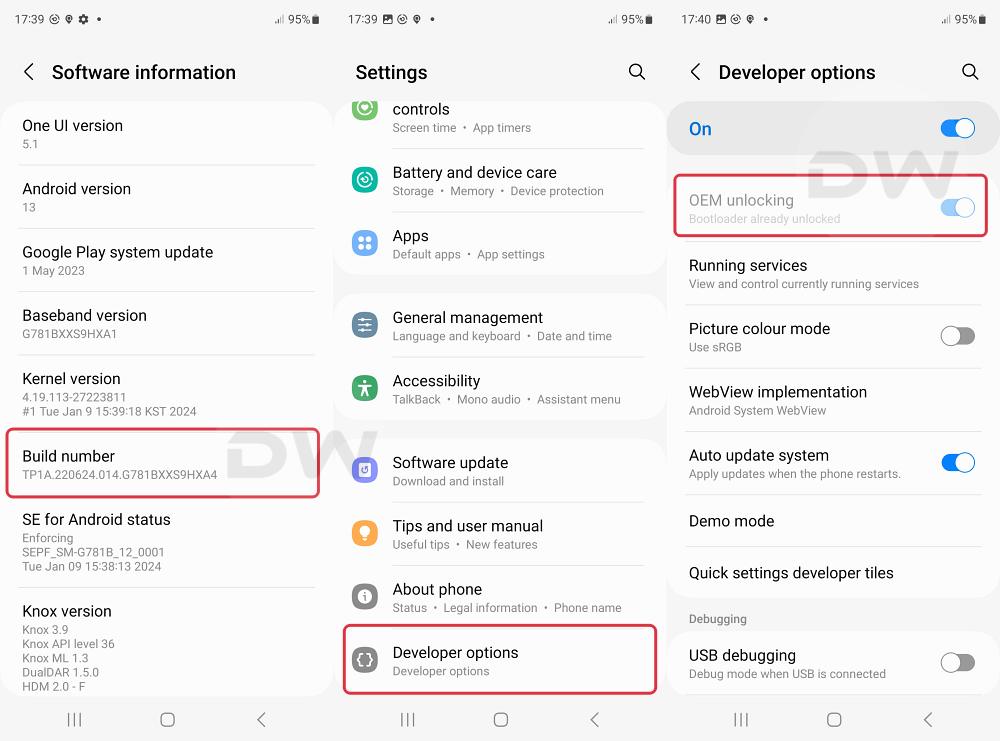
The process of installing ExtremeROM Nexus One UI 8 requires a systematic approach, beginning with the acquisition of the necessary software packages. Users must download the specific ROM build tailored to their device codename, along with the appropriate recovery environment, typically Team Win Recovery Project (TWRP). Once the files are secured, the device must have its bootloader unlocked—a prerequisite that triggers a factory reset and permanent security flag (Knox) on Samsung devices.
The installation workflow generally follows a established pattern in the custom ROM community. First, the device must be put into Download Mode to flash the custom recovery via Odin, a specialized flashing tool for Samsung devices. Once TWRP is successfully installed, the user must navigate the recovery interface to format the data partition, effectively clearing the device of its previous operating system. Following this, the ExtremeROM Nexus zip file is transferred to the device and flashed through the recovery’s installation menu. This process overwrites the system, product, and vendor partitions with the new Android 16-based files.

One of the most critical aspects of the installation involves the initial boot sequence. Samsung devices from the S10 generation onwards introduced unique complexities regarding recovery access and boot loops. For instance, the Galaxy S10 requires a specific, almost rhythmic combination of button presses to enter TWRP after a fresh flash. While the phone is connected to a computer, the user must simultaneously hold the Bixby button, the power button, and the volume down button. At the precise moment the screen goes black, the user must maintain the hold on the Bixby and power buttons but quickly shift their finger from the volume down button to the volume up button. Mastery of this "button dance" is essential for troubleshooting and ensuring the custom recovery remains accessible during the initial setup phases.
Once the installation is complete and the device boots into One UI 8, the benefits become immediately apparent. ExtremeROM Nexus delivers a visual overhaul consistent with Samsung’s latest design language, featuring refined iconography, fluid animations, and a more intuitive notification shade. Beyond the surface, the Android 16 backbone provides enhanced security patches and improved battery management algorithms. The "de-bloated" nature of the ROM means that users are not forced to contend with duplicate apps or intrusive background services, freeing up RAM and processing cycles for the tasks that matter most.

The success of projects like ExtremeROM Nexus highlights a growing demand for software longevity. In an era where environmental sustainability and digital rights are becoming central themes in technology, the ability to extend the life of a high-quality smartphone by several years is invaluable. The developers behind these ROMs often work on a voluntary basis, driven by a passion for the hardware and a commitment to the "open" nature of the Android platform. Their work ensures that the Galaxy S20 and Note 20 series—devices that still feature excellent displays and capable cameras—remain relevant in a rapidly evolving digital world.
For users who encounter difficulties during or after the flashing process, the custom ROM community remains a vital resource. Detailed logs, community forums, and dedicated developer channels provide a platform for troubleshooting and refining the software. Whether it is a query regarding camera performance on the Android 16 base or a request for specific feature ports from newer Galaxy models, the dialogue between developers and users is what drives the continuous improvement of ExtremeROM Nexus.

In conclusion, the arrival of ExtremeROM Nexus One UI 8 for the Galaxy S20 and Note 20 series is a testament to the ingenuity of the independent developer community. By providing a path to Android 16, this ROM offers a second life to some of Samsung’s most iconic hardware. While the process requires technical diligence and an acceptance of risk, the reward is a modern, optimized, and powerful smartphone experience that defies the limitations of official manufacturer support. As mobile technology continues to advance, these community-led initiatives remain the vanguard of hardware preservation and software freedom.