

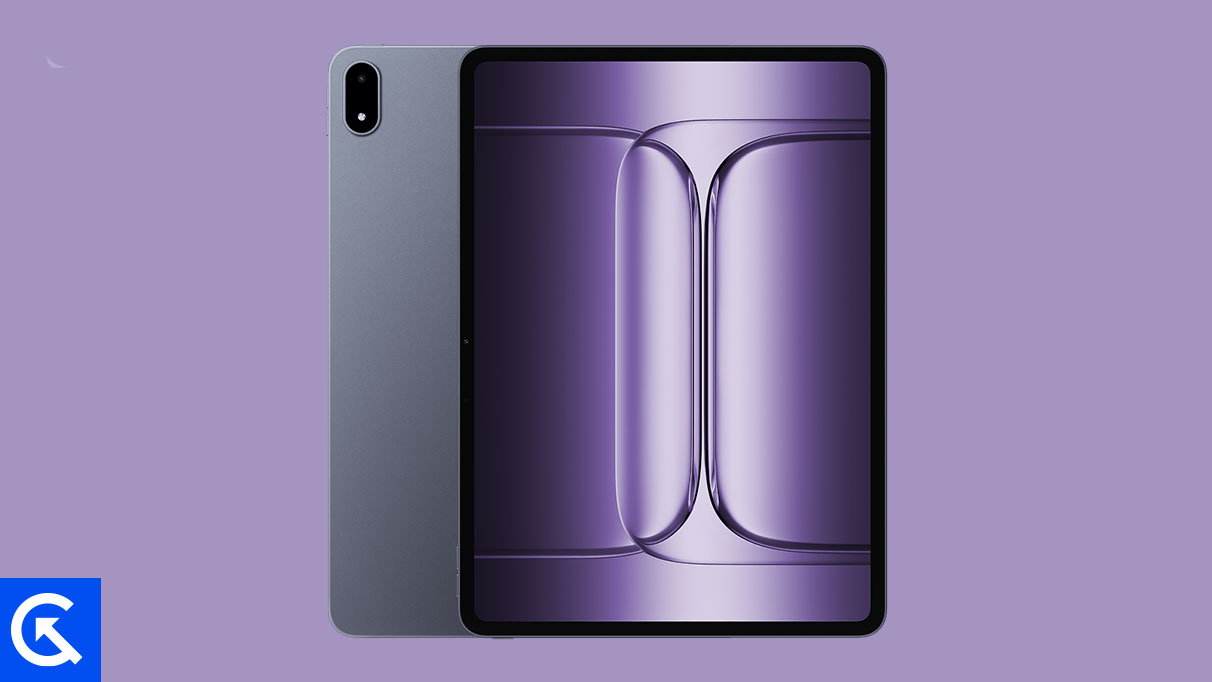
The OnePlus Pad 3, alongside its predecessor the Pad 2 Pro, represents the pinnacle of Android tablet hardware, featuring flagship-level specifications designed for intensive productivity and premium media consumption. While these devices ship with robust OEM firmware—Android 15 layered with ColorOS 15—a significant segment of the power user community seeks to transcend these proprietary limitations. The inherent open-source nature of the Android operating system provides a direct pathway for this pursuit, allowing developers worldwide to craft highly optimized, alternative firmware known as Custom ROMs, specifically tailored to maximize the raw potential of the Pad 3’s sophisticated architecture.
The OnePlus Pad 3 is defined by its commanding hardware profile, making it an ideal candidate for software optimization outside the official channel. Its centerpiece is a massive 13.2-inch high-resolution IPS LCD, featuring a liquid-smooth 144Hz refresh rate and support for Dolby Vision, ensuring exceptional visual fidelity for both work and entertainment. Encased in a sleek aluminum chassis, the tablet’s premium build quality is matched by its internal performance, driven by the powerful Snapdragon 8 Elite chipset. This processor, designed for sustained high performance, often benefits dramatically when paired with a lean, de-bloated AOSP (Android Open Source Project) based operating system.
Beyond processing power and display excellence, the Pad 3 excels in user experience areas critical to tablet use. Its formidable audio output, provided by an eight-speaker stereo system, delivers immersive soundscapes. Crucially, the tablet is powered by an expansive 12,140 mAh battery, supported by 80W fast charging. While the stock firmware manages this capacity efficiently, custom kernels often bundled with third-party ROMs can offer fine-tuned power management profiles, potentially extending screen-on time and maximizing the device’s operational lifespan between charges. For users who demand maximum performance purity and control over the operating environment, migrating from the stock environment becomes a logical next step.
The Divergence: Stock Firmware Versus Custom ROMs
Understanding the motivation behind flashing custom software requires a clear distinction between the two primary operating system forms.
Stock ROM (Stock Firmware): This is the operating system environment pre-installed by the manufacturer (OEM) at the factory. It is a tightly integrated package, incorporating proprietary applications, specialized user interface skins (such as ColorOS), and specific drivers optimized for the device’s unique hardware components. While stable and officially supported, stock firmware often includes "bloatware"—pre-installed applications that consume system resources—and limits user functionality to parameters defined by the OEM. Updates are dictated by the manufacturer’s rollout schedule, which can sometimes lag behind Google’s core Android releases.
Custom ROM (Community Firmware): Conversely, a Custom ROM is a modified, community-built iteration of the Android operating system. Developers take the core AOSP code released by Google and build a completely new firmware image, often stripping away proprietary OEM layers, unnecessary services, and bundled applications. This results in a cleaner, faster, and often more stable operating system that utilizes fewer resources. Custom ROMs are typically maintained and updated by the development community, frequently offering users access to the latest Android iterations months or even years before the official OEM release cycle provides them. They are defined by their emphasis on customization, privacy controls, and performance optimization via specialized kernels.
The transition to a custom operating system environment is not immediate; it necessitates preparing the device by unlocking the bootloader and installing a custom recovery utility. The preferred recovery interface in the Android modding community is the Team Win Recovery Project (TWRP). Once TWRP is successfully installed on the OnePlus Pad 3 / Pad 2 Pro, it acts as the vital gateway, allowing users to flash the alternative operating system images and other modifications onto the tablet’s system partition.
Premier Custom ROMs for the OnePlus Pad 3 / Pad 2 Pro
The developer community has quickly rallied around the powerful OnePlus Pad series, offering several highly regarded custom ROM solutions that cater to various user preferences, from minimalist performance to extensive personalization.
![List of Best Custom ROM for OnePlus Pad 3 / OnePlus Pad 2 Pro [Updated]](https://www.getdroidtips.com/wp-content/uploads/2026/01/OnePlus-Pad-3.jpg)
Lineage OS: The Standard Bearer of Stability
Lineage OS holds the mantle as arguably the most recognized and widely supported custom firmware in the Android ecosystem. It represents the official continuation and evolution of the legendary CyanogenMod project, which ceased operations years ago. Lineage OS focuses on providing a clean, near-stock Android experience augmented by subtle yet powerful enhancements.
For the OnePlus Pad 3 / Pad 2 Pro, Lineage OS offers unparalleled stability, making it a reliable choice for a daily driver. Key features include advanced privacy guard controls, customizable interface elements (like the status bar and navigation bar), and robust security patches often delivered more promptly than official OEM updates. Developers have already made significant strides, with builds available for the OnePlus Pad series under both Lineage OS 22 and the bleeding-edge Lineage OS 23, ensuring users can access the very latest foundational Android features.
- Download ROM Here – Lineage OS 22
- Download ROM Here – Lineage OS 23
CrDroid OS: The Customization Connoisseur’s Choice
CrDroid OS stands out for users who demand deep, granular control over every aspect of their operating system’s appearance and functionality. Built upon the robust foundation of AOSP and Lineage OS, CrDroid functions as a synthesis of the best customization options harvested from several prominent firmware projects, including AOSPA and SlimROM.
This ROM’s core appeal lies in its extensive configuration menu, which allows users to tweak everything from system animations and notification panel layouts to button functions and performance profiles. CrDroid aims to deliver a pure Android experience while layering on an unmatched suite of personalization tools, optimizing the high-refresh-rate display and powerful chipset of the Pad 3 for a tailored user interface experience.
- Download ROM Here – CrDroid v12 (Official)
AICP OS: The Veteran Community Project
AICP, an acronym for the Android Ice Cold Project, boasts one of the longest and most storied histories in the custom firmware scene, tracing its origins back to the HTC Desire HD in 2012. Over more than a decade, AICP has matured into a stable, feature-rich platform supported by a dedicated and active community.
Currently based on Lineage OS but incorporating unique AOSP tweaks, AICP offers a balanced blend of stability and customization. It is favored by users who appreciate a system that has undergone rigorous community testing and bug-fixing cycles, ensuring a dependable experience on the powerful OnePlus Pad hardware while still offering extensive options to modify the UI and user experience.
- Download ROM Here – AICP Android 16 (Official)
Pixel Experience ROM: Emulating the Google Ideal
For many enthusiasts, the ideal Android experience is the one designed by Google itself for its Pixel devices. The Pixel Experience ROM is engineered specifically to replicate the functionality, aesthetic, and proprietary applications found out-of-the-box on Google Pixel smartphones.
Installing Pixel Experience transforms the OnePlus Pad 3 / Pad 2 Pro, providing users with specific Pixel features, including the unique launcher, wallpapers, Google Camera enhancements, and the refined visual styling of a genuine Google device. This ROM is highly valued for its commitment to a pure, unadulterated Google experience, free from any OEM-specific branding or modifications, offering the ultimate streamlined environment for AOSP purists. Development for the OnePlus Pad series is actively underway, and the ROM is anticipated to be released shortly.
The move toward custom firmware on the OnePlus Pad 3 / Pad 2 Pro is a declaration of intent by the user to take full ownership and control of their computing platform. By leveraging the flexibility inherent in Android, the developer community provides pathways to optimize performance, enhance privacy, and extend the device’s software lifespan far beyond the official manufacturer commitment, truly capitalizing on the exceptional hardware provided by OnePlus.