

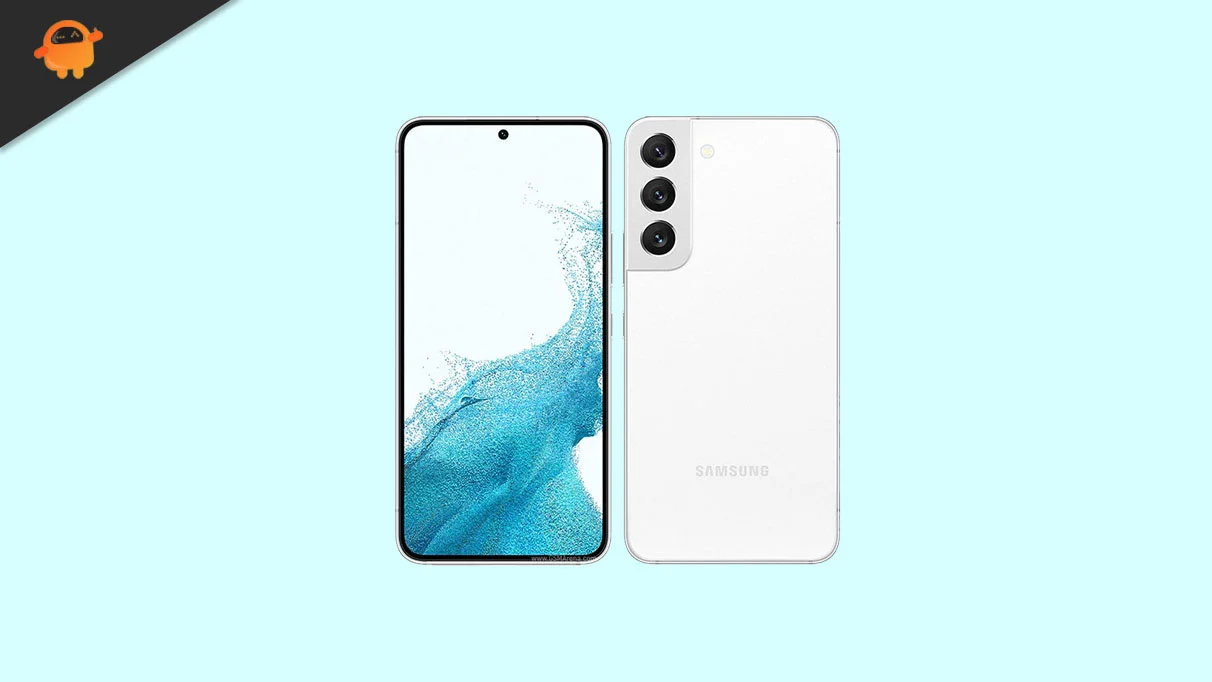
The Samsung Galaxy S22 series, once the pinnacle of the South Korean tech giant’s engineering, is entering a new phase of its lifecycle. While official software support cycles are more generous than in years past, the enthusiast community remains several steps ahead of official rollout schedules. With Google recently pulling back the curtain on Android 16 for its flagship Pixel line, the developer community has moved with unprecedented speed to port unofficial Android Open Source Project (AOSP) builds to the Galaxy S22 and S22 Plus. This movement allows power users to bypass the traditional waiting period associated with Samsung’s One UI overlay, offering a glimpse into the future of the Android ecosystem through a clean, high-performance interface.
The Galaxy S22 and S22 Plus remain formidable pieces of hardware in the current market, despite the arrival of newer iterations. The standard Galaxy S22 features a compact 6.1-inch Dynamic AMOLED 2X display, while the S22 Plus offers a more expansive 6.6-inch canvas. Both panels support a 120Hz adaptive refresh rate and FHD+ resolution, providing the visual fidelity required to showcase the latest UI animations. Under the hood, these devices are powered by either the Qualcomm Snapdragon 8 Gen 1 or the Exynos 2200, depending on the region. Both chipsets are built on a 4nm process, providing the computational overhead necessary to handle the sophisticated background processes and AI-driven optimizations introduced in Android 16.
![How to Install Android 16 on Samsung Galaxy S22 and S22 Plus [Download Link]](https://www.getdroidtips.com/wp-content/uploads/2022/04/Samsung-Galaxy-S22.webp)
Android 16 represents a significant refinement of the mobile operating system, spearheaded by the introduction of Material 3 Expressive. This design philosophy is an evolution of the Material You aesthetic that debuted with Android 12. Rather than a total departure from established norms, Material 3 Expressive focuses on the "polish" of the user experience. It introduces dynamic animations that feel more organic, larger touch targets to reduce input errors, and bolder typography that improves legibility across various lighting conditions. For Galaxy S22 users, this transition means a departure from the feature-heavy One UI skin in favor of a minimalist, fluid experience that prioritizes speed and responsiveness.
The shift to Android 16 via a custom ROM is not merely about aesthetics; it is about extending the functional longevity of the device. Samsung’s official updates eventually cease, but the AOSP community often supports devices for years beyond their official "end-of-life" status. By installing an Android 16-based ROM, users gain access to the latest security protocols and system-level optimizations that can improve battery efficiency and thermal management. This is particularly relevant for the S22 series, which faced early criticisms regarding battery life. The leaner AOSP environment removes the "bloatware" often found in carrier-branded firmware, allowing the 3,700 mAh battery in the S22 and the 4,500 mAh unit in the S22 Plus to stretch further through optimized background task scheduling.
Before embarking on the installation of a custom ROM, a meticulous preparation phase is required. The process of "flashing" a device involves replacing the factory-installed operating system with a community-developed alternative, a procedure that carries inherent risks. The primary prerequisite is the backing up of all personal data. Unlocking the bootloader—a necessary step for any custom software installation—triggers a security feature that wipes the device’s internal storage to protect user privacy. Users are encouraged to utilize cloud services or external storage to safeguard photos, contacts, and documents before proceeding.
![How to Install Android 16 on Samsung Galaxy S22 and S22 Plus [Download Link]](https://www.getdroidtips.com/wp-content/uploads/2022/04/Samsung-Galaxy-S22-300x169.webp)
Furthermore, the hardware must be in an optimal state. A minimum battery charge of 50% is recommended to prevent the device from losing power during the critical flashing window, which could result in a "bricked" or unusable handset. Technical requirements include the installation of ADB (Android Debug Bridge) and Fastboot binaries on a computer. These tools serve as the bridge between the desktop environment and the mobile device, allowing the user to send commands to the phone’s bootloader. For Samsung devices, the installation of the latest Samsung USB drivers is also mandatory to ensure the PC recognizes the handset in its various pre-boot modes.
The cornerstone of the installation process is the unlocking of the bootloader and the installation of a custom recovery, such as TWRP (Team Win Recovery Project). The bootloader is a piece of software that runs every time the phone starts up, determining whether to load the operating system or a recovery environment. Samsung devices, particularly those with Exynos processors or international Snapdragon variants, generally allow for bootloader unlocking, though it is important to note that this action typically voids the manufacturer’s warranty and permanently trips the Knox security flag. Once TWRP is installed, it replaces the rudimentary stock recovery with a touch-based interface capable of partitioning storage and installing compressed ZIP files containing the new operating system.
The Android 16 custom ROMs currently available for the S22 series are based on the latest AOSP builds. While these early versions are surprisingly stable, they are technically classified as "unofficial." In the world of custom ROMs, "What Works" is a critical metric. Initial reports for the S22 and S22 Plus builds suggest that core functionalities—including the 50 MP primary camera, Wi-Fi 6 connectivity, Bluetooth 5.2, and the ultrasonic under-display fingerprint sensor—are operational. However, users should remain vigilant for minor bugs in niche features, such as specific 5G bands or NFC payment certifications, which sometimes require additional patches or "Magisk" modules to function correctly.
![How to Install Android 16 on Samsung Galaxy S22 and S22 Plus [Download Link]](https://www.getdroidtips.com/wp-content/uploads/2020/06/cmd-platform-tools.jpg)
The installation sequence itself follows a logical progression. After entering the TWRP recovery environment, the user must perform a "Clean Wipe," which involves clearing the Data, Cache, and Dalvik partitions. This ensures that no residual files from the old One UI installation interfere with the new Android 16 framework. Once the system is wiped, the Android 16 ROM file is "flashed" via the recovery interface. A unique aspect of AOSP-based ROMs is the exclusion of Google Apps (GApps) due to licensing restrictions. To access the Play Store, Gmail, and Google Maps, users must flash a separate GApps package immediately following the ROM installation.
Following the final reboot, the first boot-up sequence may take several minutes as the system configures the new Android 16 environment and optimizes applications for the Snapdragon or Exynos architecture. This initial delay is normal and should not be mistaken for a system hang. Once the device reaches the setup screen, users will notice a stark difference. The interface is clean, the "Material You" color-theming is more integrated, and the system feels noticeably snappier than the stock Samsung experience.
The decision to move to Android 16 via a custom ROM is a declaration of digital sovereignty. It allows the user to take full control of their hardware, deciding which features to prioritize and which background services to eliminate. While Samsung’s One UI is often praised for its feature density, many users find the AOSP experience more aligned with the original vision of Android: a fast, open, and highly customizable platform. For the Galaxy S22 and S22 Plus, this update is a breath of fresh air, proving that these devices still have years of relevance left in them.
![How to Install Android 16 on Samsung Galaxy S22 and S22 Plus [Download Link]](https://www.getdroidtips.com/wp-content/uploads/2020/08/twrp-custom-rom.jpg)
In conclusion, while the path to installing Android 16 on a Samsung Galaxy S22 or S22 Plus requires a degree of technical proficiency and a willingness to accept some risk, the rewards are substantial. Users are treated to the cutting edge of Google’s software innovations, including the refined Material 3 Expressive design and superior system performance. As the developer community continues to refine these builds, the gap between official software and community ports continues to narrow, ensuring that the Galaxy S22 series remains at the forefront of the mobile experience long after it has left the retail spotlight. For those willing to venture beyond the garden walls of official firmware, the future of Android is available today.
