

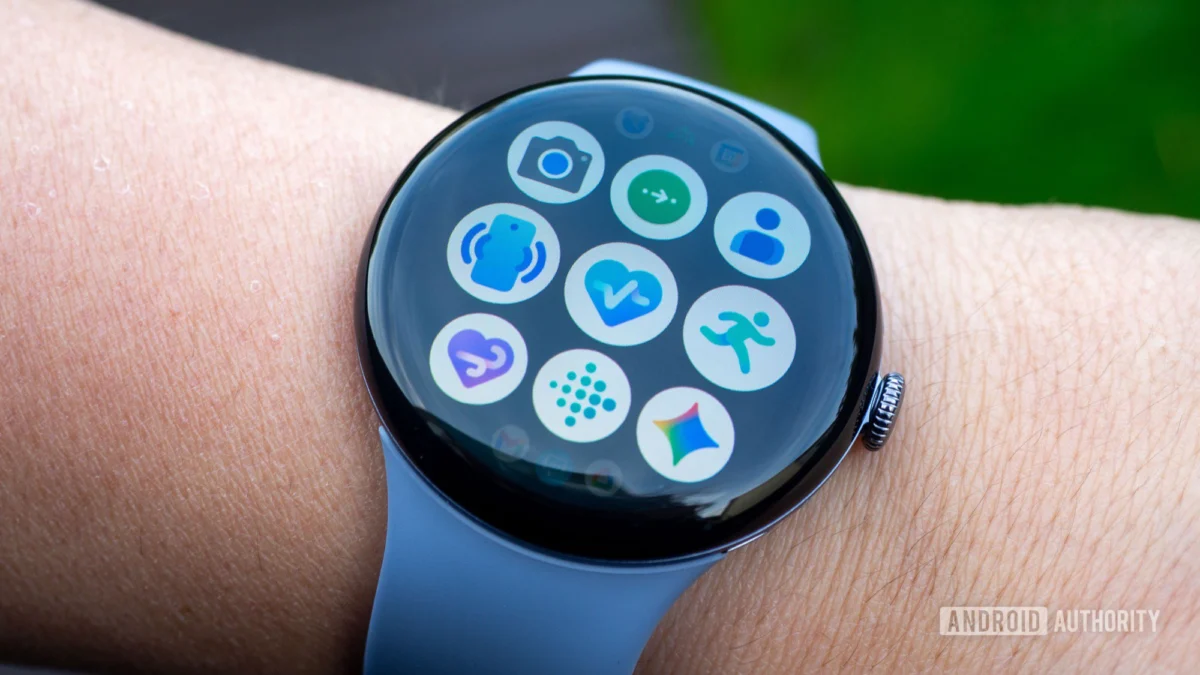
The promise of the modern smartwatch lies in its ability to act as a silent, precise biographer of our physical lives. From the rhythm of our hearts to the distance of our morning commutes, we rely on these wrist-worn computers to provide a factual foundation for our health journeys. However, for owners of the Google Pixel Watch series, that foundation has recently begun to crumble. Following the release of the March 2026 software update, a significant number of users have reported that their devices have transitioned from precision instruments into creators of digital fiction, manifesting "phantom steps" and erratic health metrics that threaten the integrity of the entire Fitbit ecosystem.
The trouble began shortly after the rollout of what was intended to be a routine system enhancement. Initially, the discourse surrounding the update was dominated by reports of "under-counting." Users noted that even after vigorous exercise or long walks, their Pixel Watches were recording significantly fewer steps than usual—sometimes missing miles of movement. This was frustrating enough for those aiming to hit daily activity goals, but the situation has since taken a bizarre and perhaps more disruptive turn. A new wave of feedback from the user community suggests that the software has swung to the opposite extreme: over-compensation.
According to a surge of reports appearing on platforms like Reddit and various Google support forums, the Pixel Watch is now "hallucinating" activity. Users have documented instances where their watches added thousands of steps to their daily totals while the wearer was performing sedentary tasks, such as typing at a desk, driving, or even sleeping. In some extreme cases, the discrepancy is so vast that users are reaching their 10,000-step goals before lunchtime without having left their homes. This phenomenon is not merely a numerical annoyance; it triggers a cascade of inaccurate data across the user’s entire health profile. Because the Fitbit algorithm uses step counts to estimate caloric burn, active zone minutes, and cardiovascular strain, these phantom steps lead to wildly inflated "calories burned" stats and skewed "readiness" scores, rendering the device’s coaching features virtually useless.
The technical roots of this erratic behavior appear to be tied to the March 2026 Wear OS update, though the exact mechanism remains a subject of debate among tech enthusiasts. Some speculate that the update inadvertently altered the sensitivity of the watch’s 3-axis accelerometer, the sensor responsible for detecting the specific motion patterns associated with walking. If the software filters that distinguish a step from a simple wrist flick are tuned too loosely, every minor movement is logged as a stride. Others suggest the issue may not lie within the watch’s firmware itself but in the synchronization bridge between Wear OS and the Fitbit cloud servers. This theory is supported by the observation that while the watch face might show a relatively accurate number, the companion Fitbit app on the smartphone displays a vastly different, inflated figure.
The scope of the bug also appears to be widening beyond simple motion tracking. A subset of users, particularly those sporting the flagship Pixel Watch 4, have reported that the update has compromised other sophisticated health sensors. Reports of broken SpO2 (blood oxygen saturation) monitoring and inconsistent skin temperature readings have surfaced, suggesting that the March update may have introduced deep-seated stability issues within the Health Services framework of the operating system. For a device marketed heavily on its "medical-grade" insights and its integration with Google’s advanced AI health tools, these failures represent a significant blow to consumer confidence.
In the absence of an immediate official patch from Google, the burden of troubleshooting has fallen onto the user community. Through trial and error, a consensus has emerged regarding a potential remedy that is as effective as it is deceptively simple. The fix involves a thorough "clearing of the pipes" for the Fitbit application. Users have found that by navigating to the system settings on both their Pixel Watch and their paired Android smartphone, they can clear the cache for the Fitbit app. Following this, a full restart of both devices often forces a re-synchronization that flushes out the corrupted data and restores the sensors to their intended sensitivity.
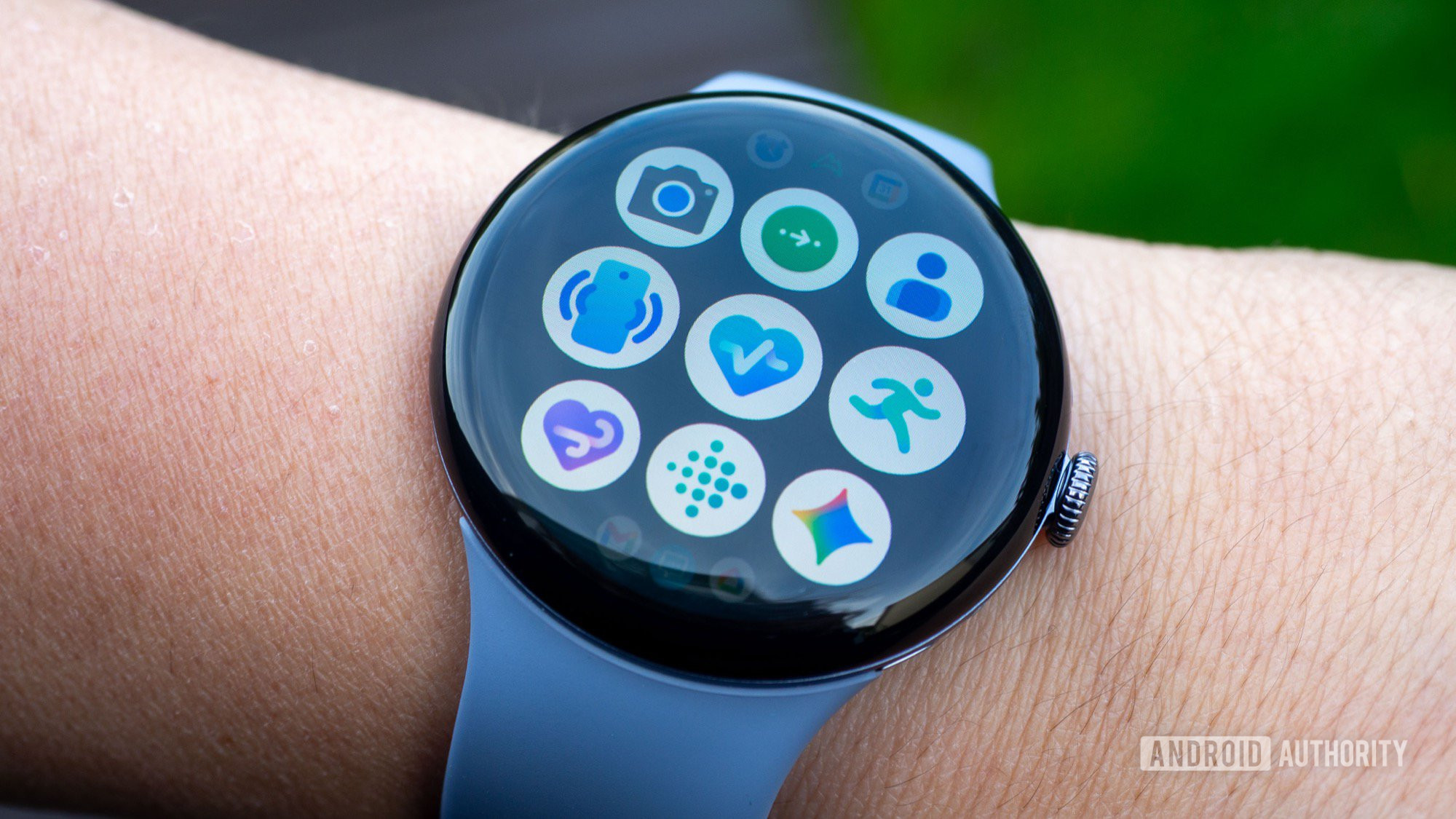
For those unfamiliar with the process, the steps are straightforward. On the smartphone, one must navigate to Settings, then Apps, select Fitbit, and under the Storage section, tap "Clear Cache." A similar process is mirrored on the watch: go to Settings, then Apps & Notifications, find App Info, select Fitbit, and clear the cache there. While this does not delete the user’s historical health data—which is stored in the cloud—it does remove the temporary files that may be causing the communication breakdown between the hardware and the software.
Beyond the cache-clearing method, some more technically inclined users have suggested that updating the "Health Services" app via the on-watch Google Play Store can resolve the sensor failures. Others have resorted to "sideloading" or downgrading to a previous version of the Fitbit smartphone app to bypass the current bugs. While these workarounds offer a temporary reprieve, they highlight a growing frustration with the "move fast and break things" approach to wearable software updates.
The timing of this glitch is particularly sensitive for Google. Since the acquisition of Fitbit, the tech giant has been working tirelessly to merge Fitbit’s legendary fitness tracking pedigree with the intelligence of the Pixel ecosystem. The Pixel Watch 4 was supposed to be the pinnacle of this union. When software updates intended to improve the user experience instead degrade the core functionality of the device, it raises questions about Google’s Quality Assurance (QA) protocols for Wear OS. Unlike a bug in a social media app, a bug in a health tracker affects a user’s perception of their own physical well-being. For a user tracking their recovery from an illness or training for a marathon, accurate data is not a luxury—it is a requirement.
Furthermore, this incident underscores the complexities of the modern wearable tech stack. A single "step" is no longer just a mechanical count; it is a data point processed through layers of machine learning, filtered by power-saving algorithms, and synced across multiple devices and cloud architectures. When one link in this chain fails—whether it is a firmware instruction for the accelerometer or a database conflict in the cloud—the entire user experience collapses.
As of now, Google has not released a formal statement acknowledging the "phantom step" bug or the failure of the SpO2 and temperature sensors. However, the company is known for monitoring community feedback closely, and it is likely that a "hotfix" or a secondary update is in development to address these regressions. Until that official solution arrives, the community-driven "cache and restart" method remains the most viable path forward for those whose watches are currently dreaming up impossible marathons.
In the broader context of the wearable market, this episode serves as a reminder of the volatility of software-defined health. While the convenience of over-the-air updates allows for constant improvement, it also leaves users vulnerable to the unintended consequences of code. For the thousands of Pixel Watch owners currently seeing five-digit step counts while sitting on their couches, the hope is that Google will move quickly to turn this digital dream back into a reality-based record. Accuracy, after all, is the only metric that truly matters in the world of health technology. Until the fix is permanent, users are encouraged to verify their stats against their actual activity and to remain patient as the "smart" in their smartwatch catches up to the reality of their movements.
